
Merchant Checkout Frontend Capability Abstraction
Free Container Type
Refers to merchants whose frontend provides a free-form container for each payment channel logo. The elements above and below are automatically arranged, imposing minimal constraints on payment method acceptance assets. They can even display marketing copy, educational text, and hyperlink buttons, such as:
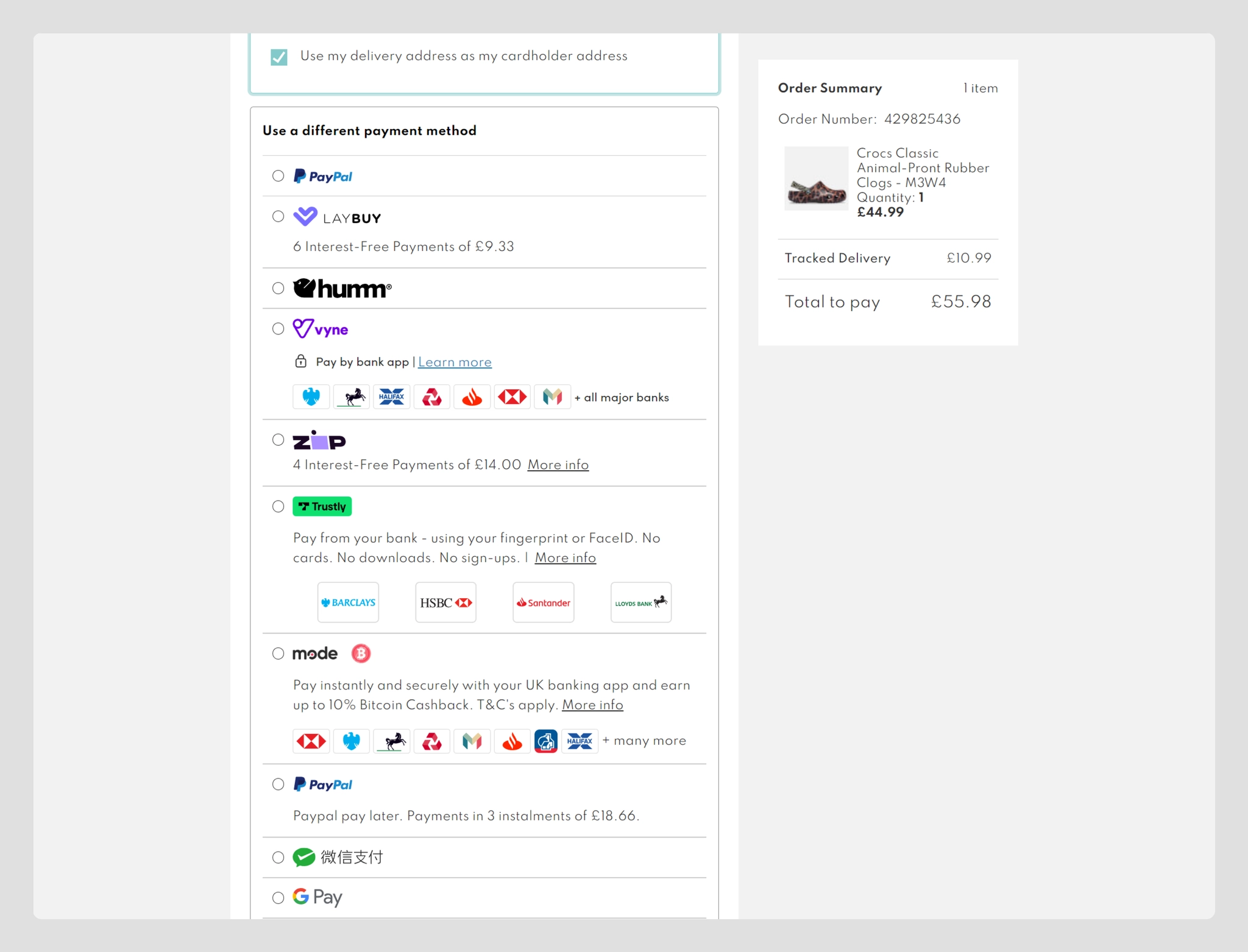
Fixed-Size Block Container
Refers to merchants whose frontend uses a fixed-size button or option to host each payment channel, where theoretically only one logo can be placed, such as:
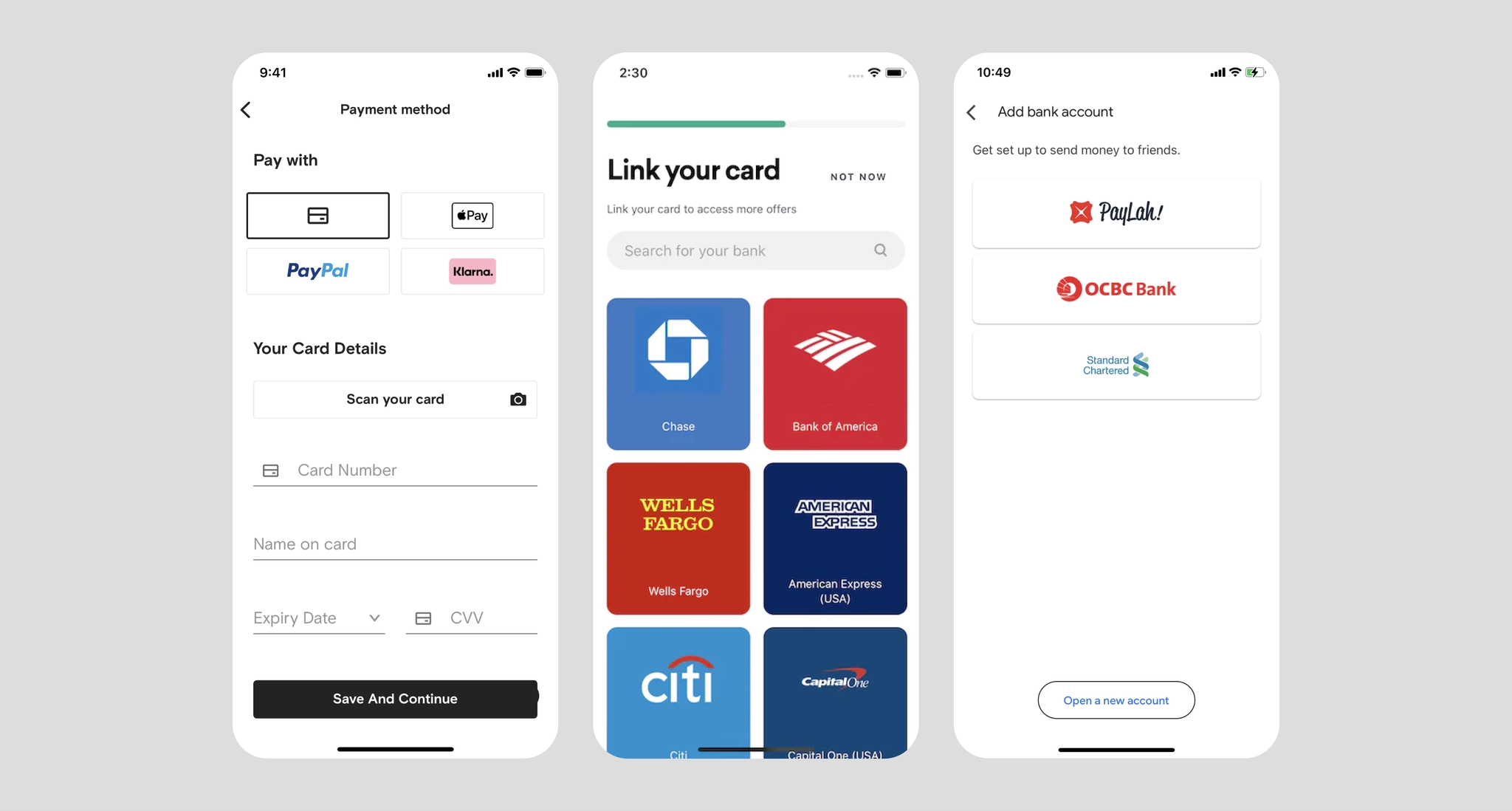
Fixed Height Per Channel, Auto-Width
Refers to merchants whose frontend requires each channel to be displayed within a specific height, with width unrestricted as long as it doesn't exceed the page boundary. Aggregated logos like A+ need to be displayed side by side on the checkout page, such as:
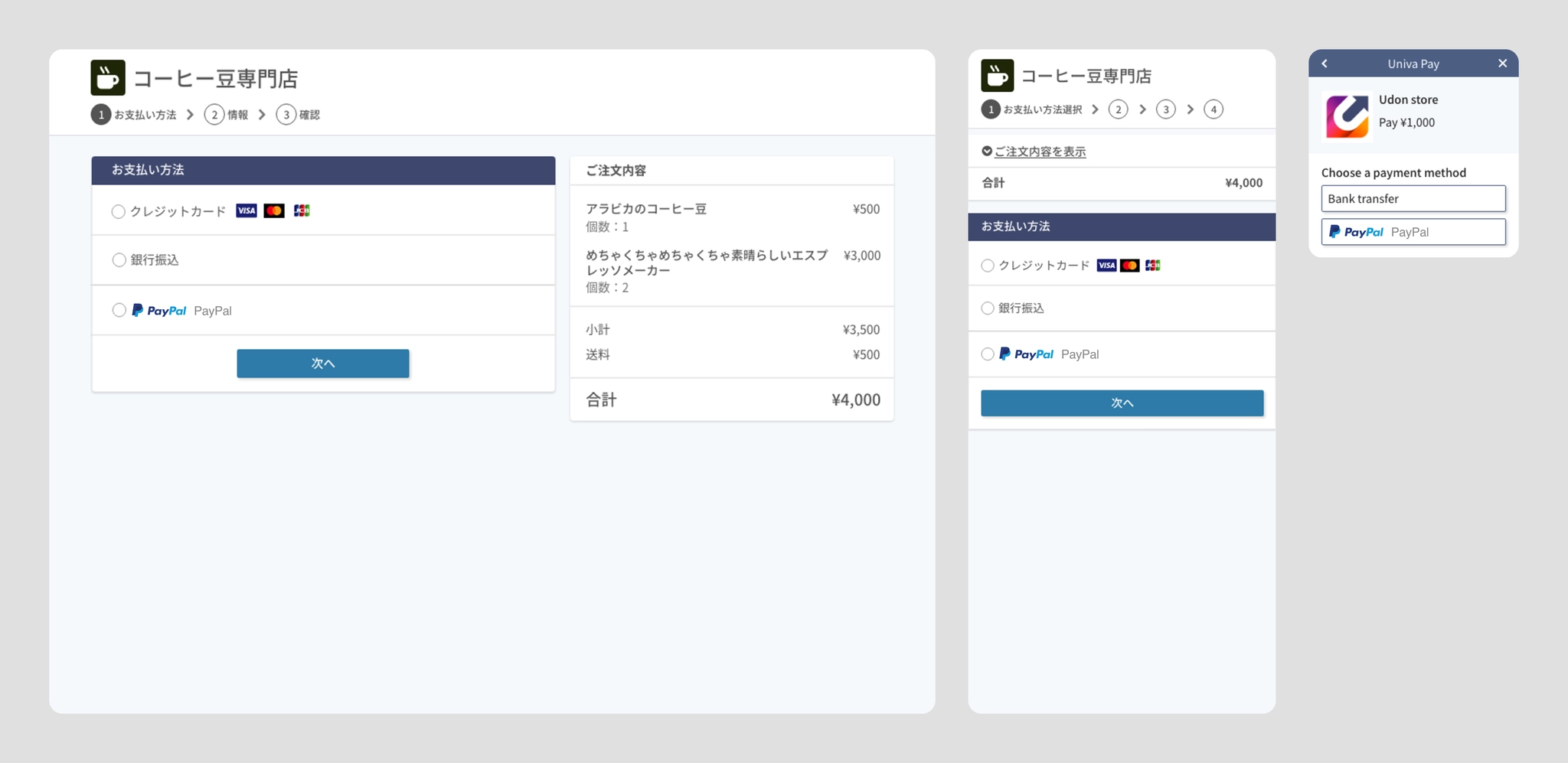
Frontend Page Composed of Multiple Complex Elements
Refers to merchants with complex frontend frameworks for rendering parent and child channels (e.g., credit cards and card network marks), such as:
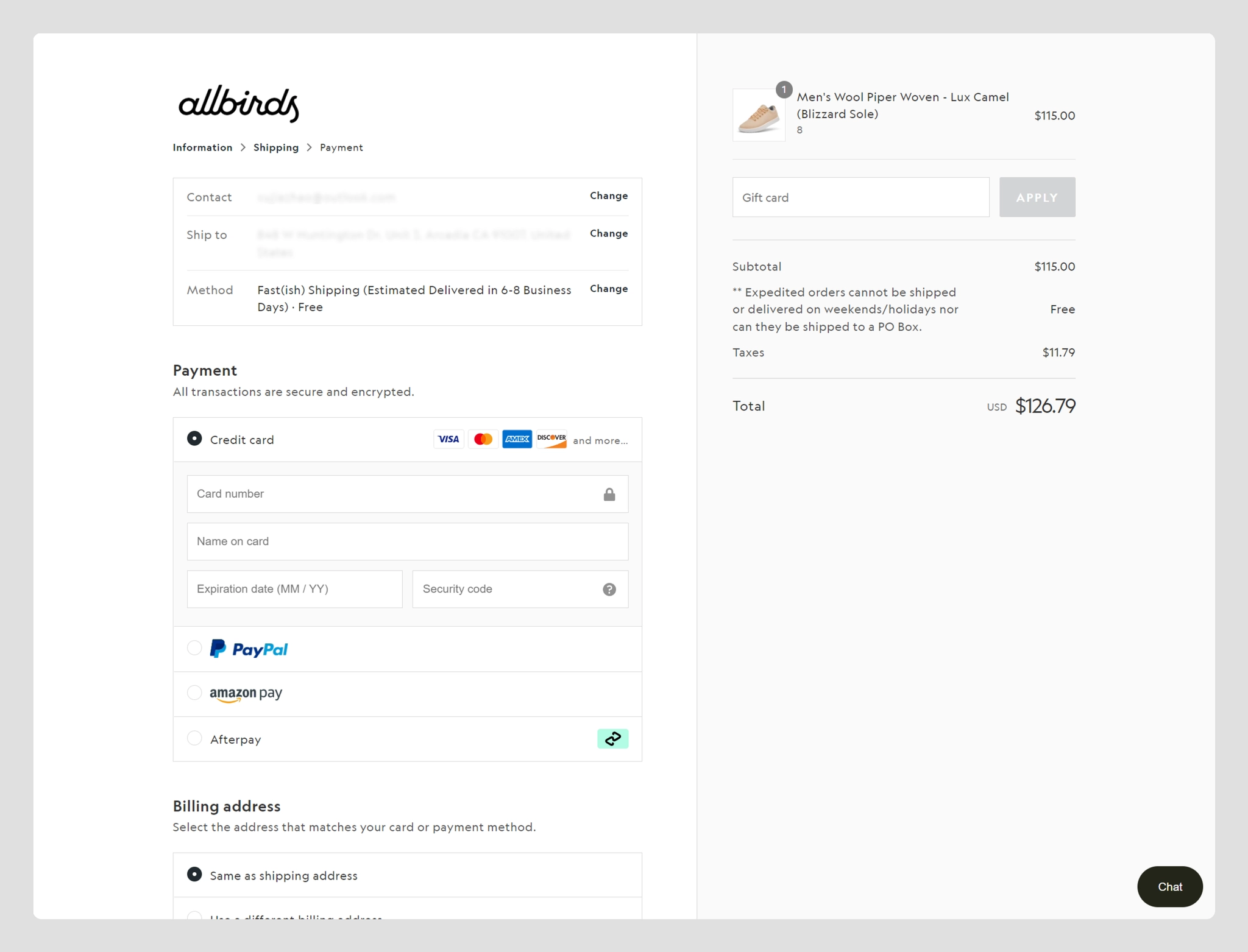
Extremely Small Icon for Image Slot
Refers to merchants that use only a small square plus text to represent a payment channel, commonly seen on mobile:
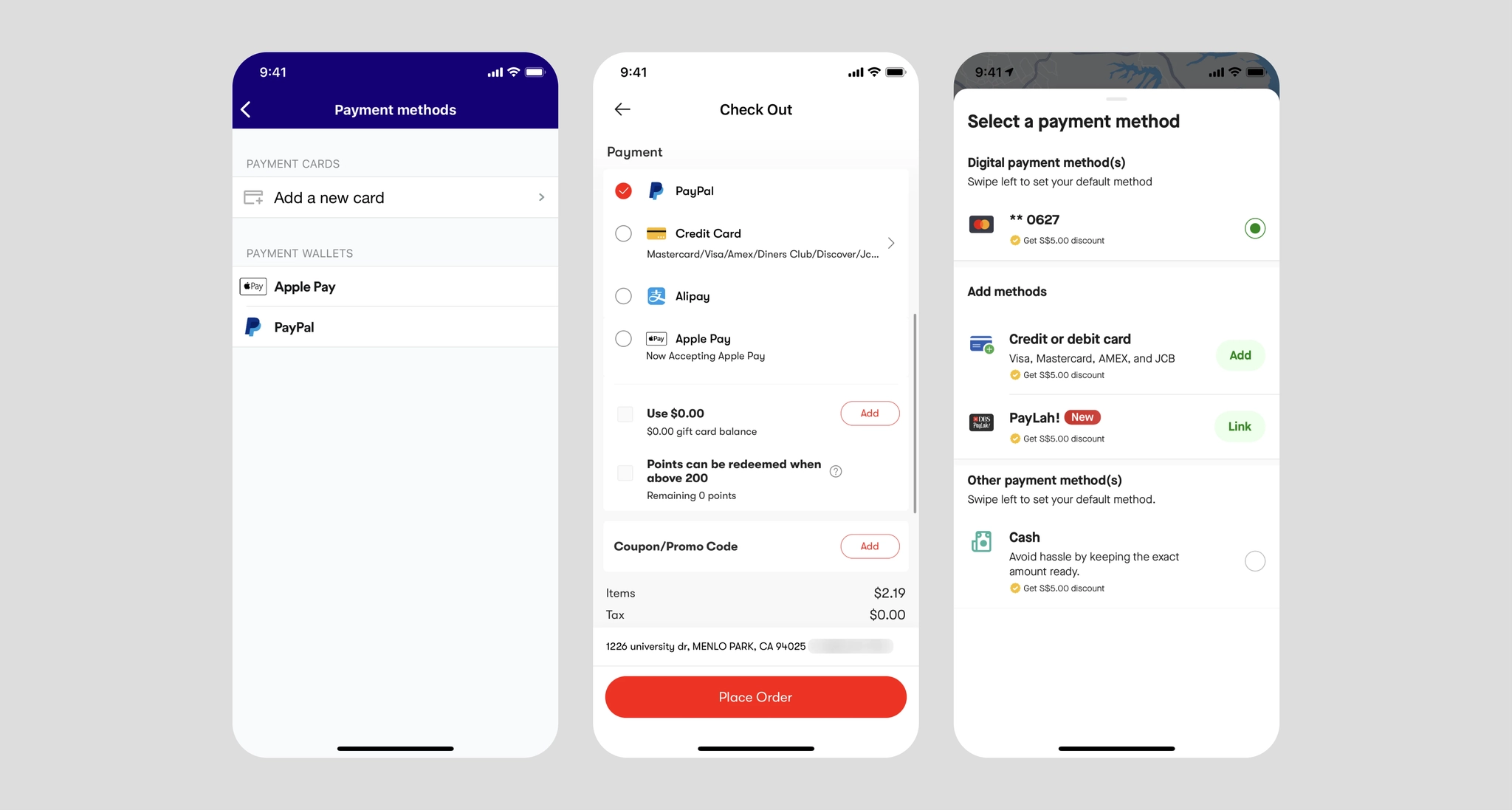
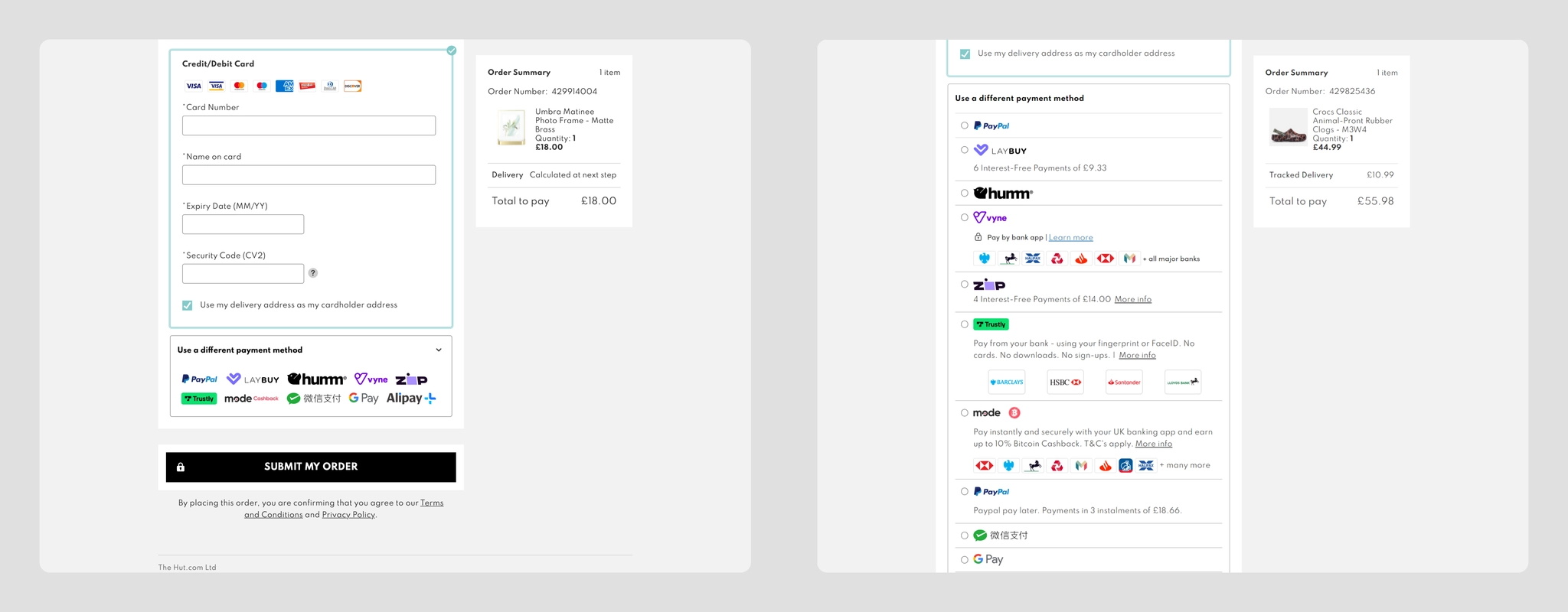
Checkout Requiring Selection/Filtering
Refers to merchants whose payment channels are layered — users need to select a parent category first, then a sub-category, such as:
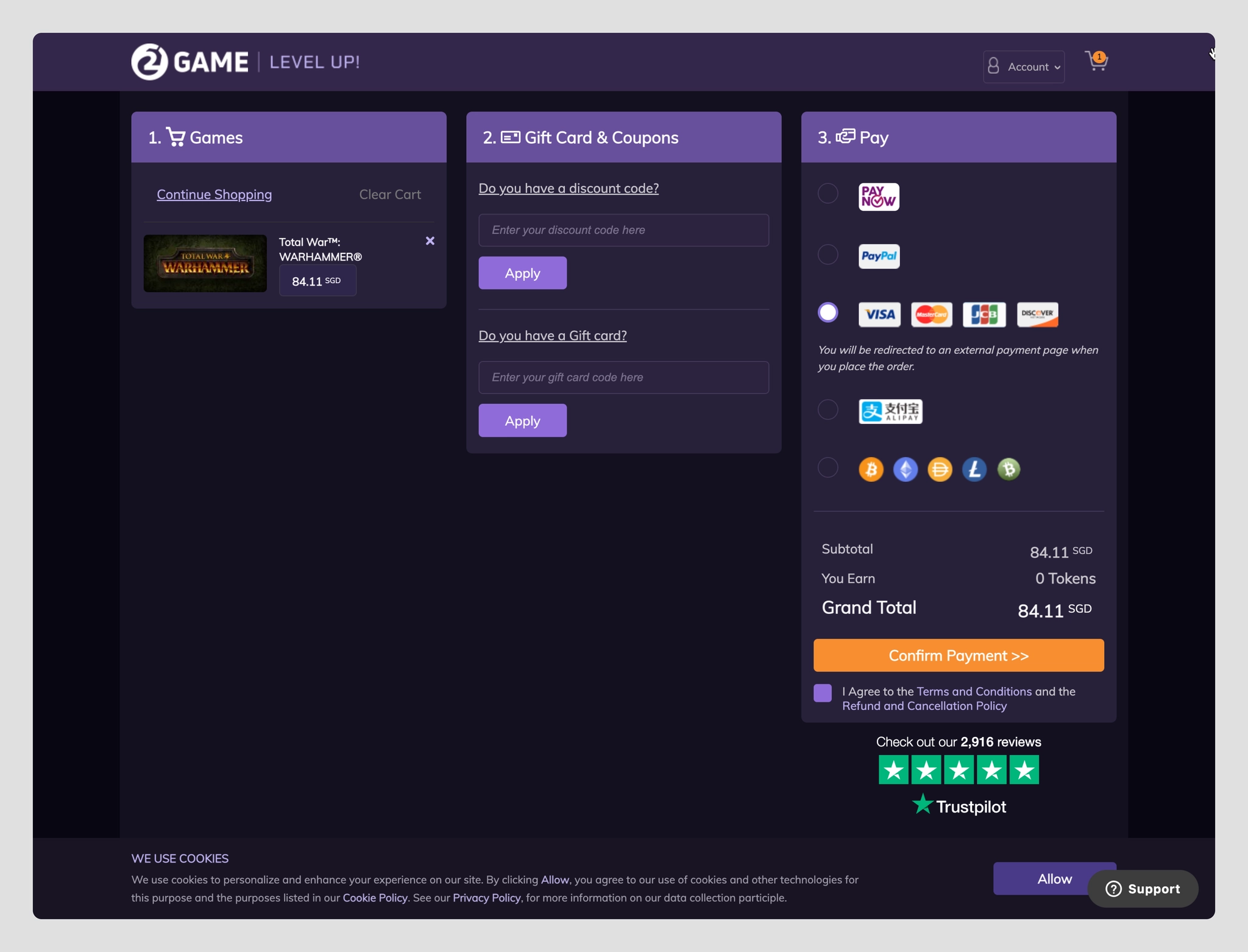
Dark Mode UI for Digital Entertainment
Merchants in gaming, video, music, and other entertainment industries often use dark mode UIs. Therefore, the payment channel display on the checkout page requires separate white background treatment:
No Image Slot Type
Refers to merchants that do not have the capability to display any payment channel images, commonly seen in Japan